
Unlock your health data.
Sync, export, and control your Apple Health data.
Explore your health in the PulsHealth web app. Keep your database in sync, export what matters, and connect the AI tools you choose.
Free Open Source No Account Required
Your health. More possibilities.
Your dashboard
Daily metrics & trendsYour files
CSV · JSONYour AI tools
Connected through your databaseYour health, with room to explore.
The PulsHealth web app turns your synced data into a place to see your day, explore your history, and look closer at every workout.
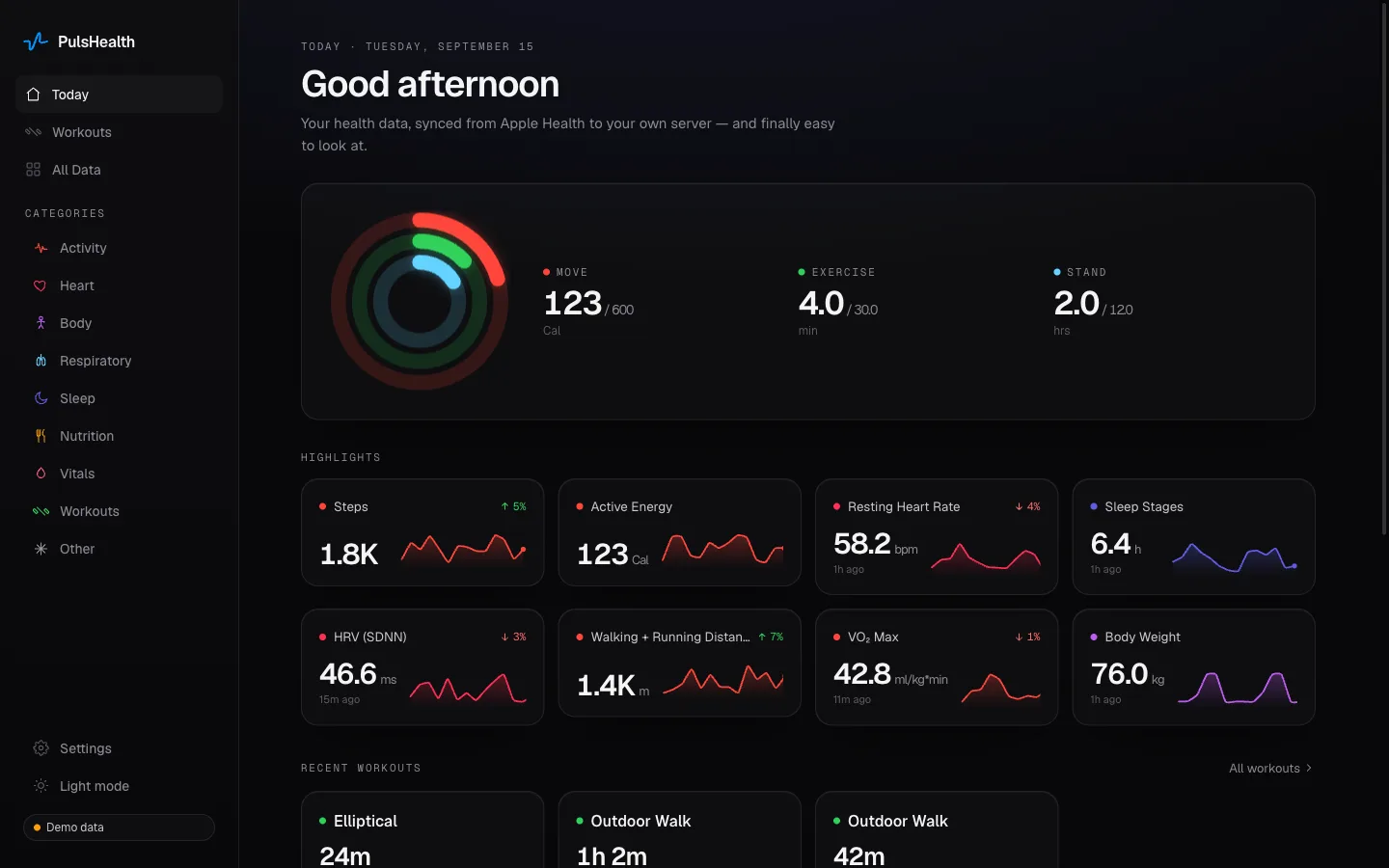
Your day, at a glance
Activity rings, sleep, heart rate, and your latest readings together in one dashboard.
See the bigger picture
Explore interactive charts across days, months, or years. Zoom in on the details that interest you.
Go deeper into workouts
Browse your sessions, then explore routes, heart rate zones, splits, and more.
Use the web app with an approved PulsHealth account, or run it with your own database.
Keep your database in sync.
Your history, with new data flowing in.
Build a personal health archive that keeps growing. Sync your Apple Health history, then keep it up to date with automatic background sync.
Your database powers the web app and your connected AI tools. You can also build your own dashboards or query your data directly.
Connect your own PulsHealth server or a compatible receiver. Prefer hosting? Request a PulsHealth account.
Explore self-hostingAutomatic background sync
Apple Health
Your database
Your health history
New readings
Custom summaries
Export what matters.
Your data, dates, and format.
Choose the measurements and time range you need. Export CSV for spreadsheets or JSON for your own tools and projects.
Save a personal archive, share a file, or take your data into a new workflow. No account or database required.
Get the free appReady for your spreadsheet.
Ready for your next project.
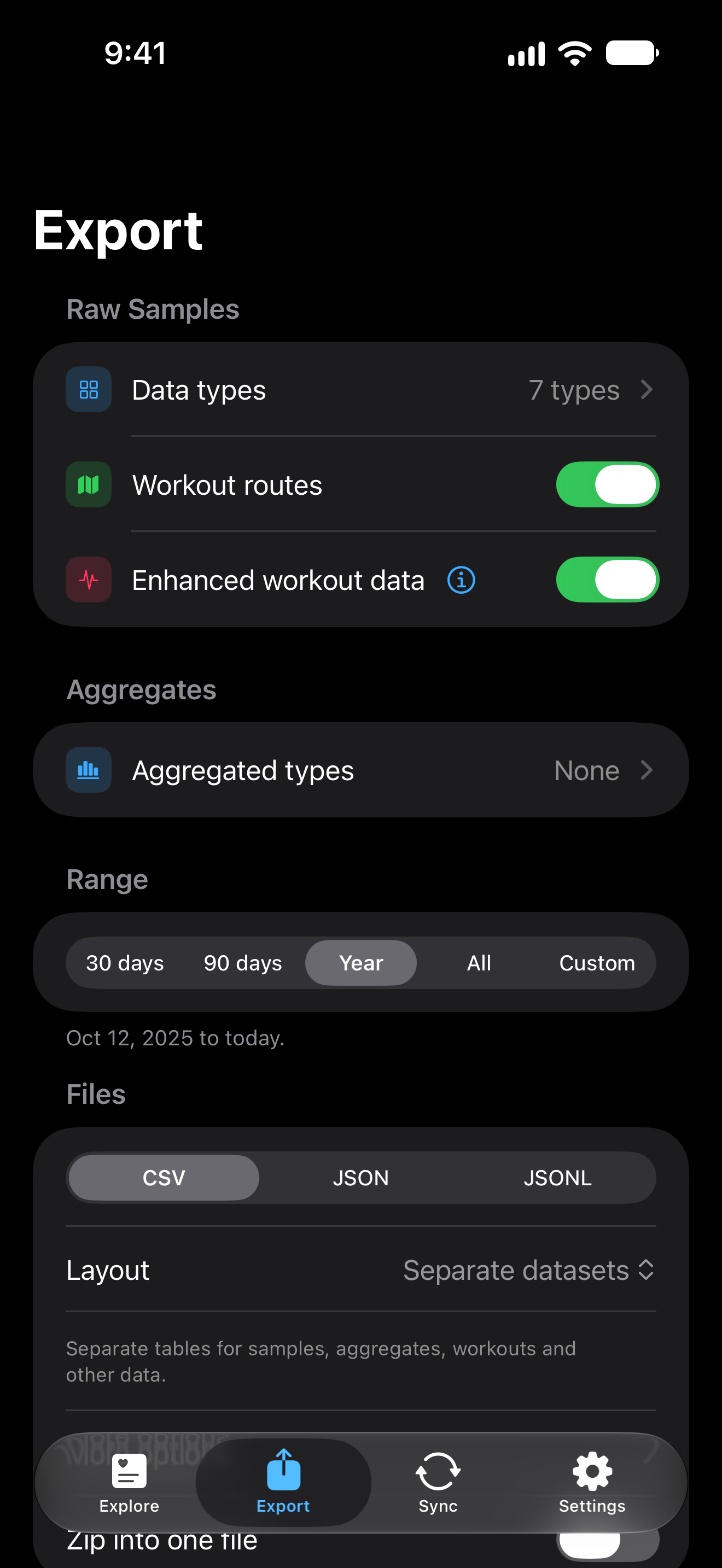
Your health. In every detail.
Individual readings or custom summaries.
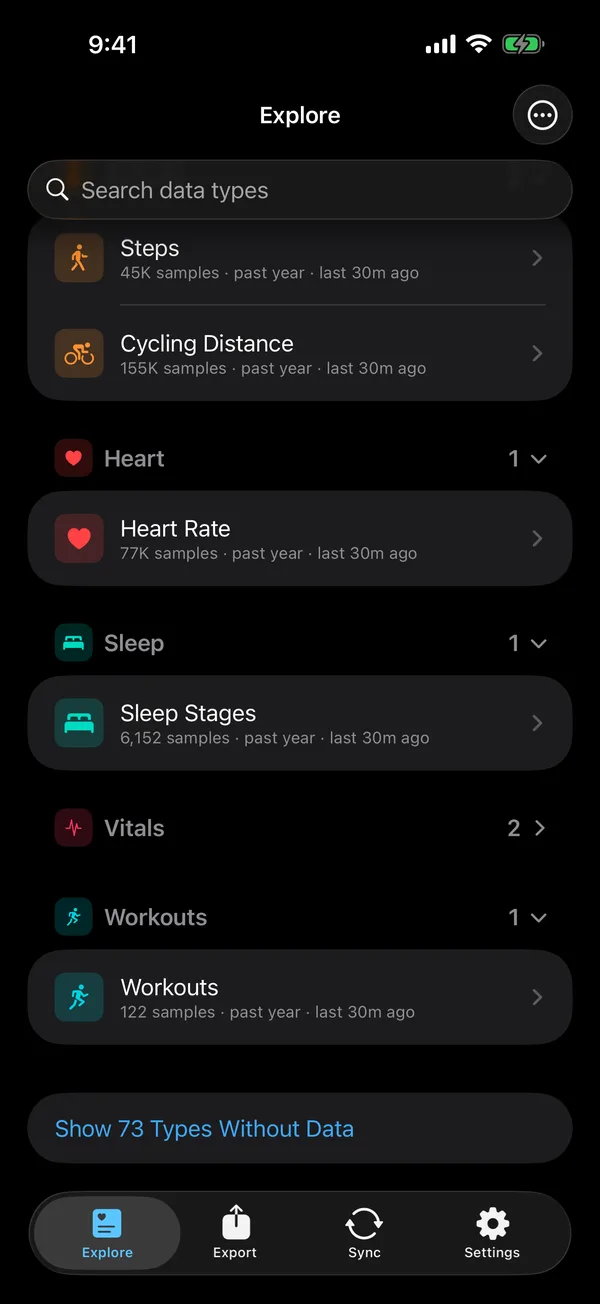
Sleep, heart rate, activity, workouts, nutrition, and more. Explore what Apple Health records and choose what you want to keep.
Keep individual readings or create custom aggregations, from hourly averages to daily totals. Get the level of detail that works for you.
Discover 178 health data types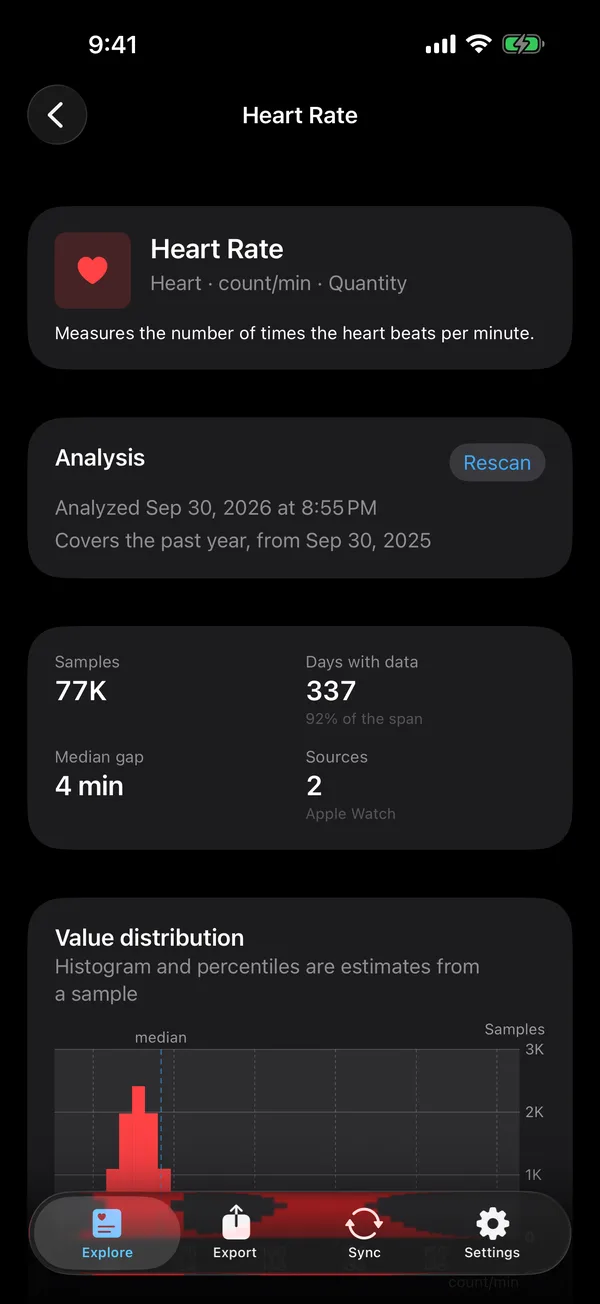
Bring your health data to AI.
Your database. Your AI tools. Your choice.
Ask how your sleep has changed. Compare your workouts. Explore the patterns in your activity over time.
Connect a compatible assistant to your PulsHealth database and let it work from your own data. You choose which tools get access.
Works with compatible MCP clients, including ChatGPT and Claude.
Connect your AI toolsDo I sleep less in my hard training weeks?
Read sleep and workouts, last 8 weeks
Yes. In your three hardest training weeks you averaged 6 h 38 m of sleep a night, 38 minutes less than in the other weeks.
Your resting heart rate ran 3 bpm higher in the same weeks.
Built for control.
Choose what to sync, what to export, and where it goes.
Choose where it lives
Keep files wherever you want. Run your own database, connect a compatible receiver, or use an approved PulsHealth account.
Apple Health stays yours
PulsHealth reads your records without changing them. Exploring stays on your phone; you decide what to share.
Open source. No tracking.
No ads or analytics in the app. Open-source code you can inspect, use, and build on.
A few things to know.
Is the app really free?
Yes. There are no in-app purchases, and exploring and exporting need no account. The open-source stack is free to run yourself: one command on any Docker host. Or use the PulsHealth database, where we run the database, viewer and AI connection for you.
Where does my data go?
Regular sync goes to the database you set up in the app. One-time requests can send an export to another destination you approve. If it is your own, the developer receives nothing. If it is the PulsHealth database, we store your data there under your account, use it only to show it back to you and to the assistants you connect, never sell it or use it for advertising, and remove stored records through account deletion. The operator and disclosed service providers can process hosted data; hosting is not end-to-end encrypted. Exploring stays on your phone; an ordinary export leaves only when you share it. The app has zero third-party dependencies and no analytics SDK.
Which AI can I connect?
Any AI agent that speaks MCP: PulsHealth ships an MCP server, so Claude, ChatGPT, Cursor, Qwen and other MCP clients can read your data. On the PulsHealth database, add it as a connector, sign in and allow access; on your own database, run the MCP server that ships with the stack. ChatGPT can also use the product API as a custom GPT Action. Either way the assistant can read your data and change nothing. The AI guide in the documentation has the steps for each client.
How is it different from other Apple Health exporters?
Three things together: the app and the database are both open source, the sync format is written down so anything can receive it, and the database can be hosted for you or run by you, with any AI agent connected over MCP either way. The About page compares it with Health Auto Export, HealthSave, FreeReps and Apple's own export.
Does it write anything into Apple Health?
No. The app requests read access only, and its usage strings say so.
More answers on the support page.
Your data. Your next possibility.
Start with a single export. Build your own health archive. Make more of the data you already have.


Free to explore and export. No account needed.